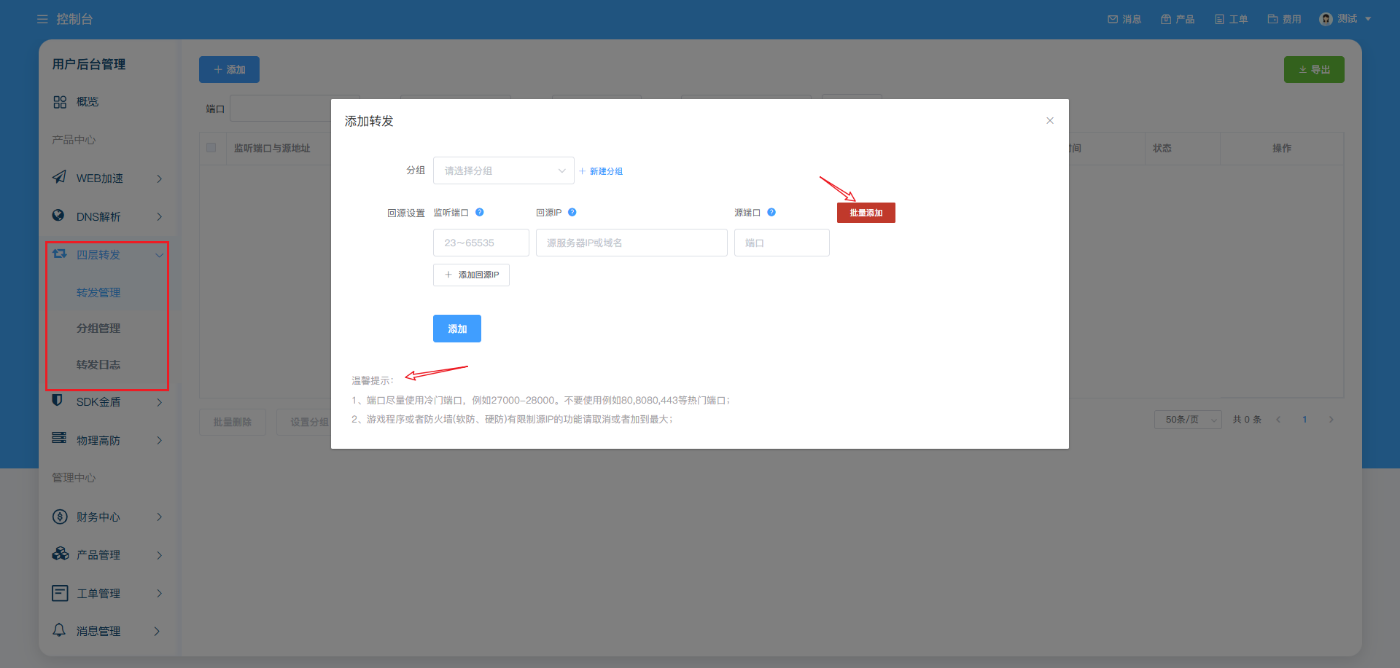
Go to Layer 4 Forwarding > Forward Management > add a forward
Create forwarding groups: You can customize the grouping to facilitate the management of four-layer forwarding ports
Step 2: Configure forwarding settings
1. In the Layer 4 forwarding configuration, configure the listening port and the origin server address
2. Read the FAQs related to configuring Layer 4 forwarding ports carefully
3. After adding forwarding, the system will automatically generate an Anti-DDo-Pro IP. Then point your service to the Anti-DDoS Pro IP to complete the four-layer IP forwarding access!